

Post actualizado el día octubre 27, 2026 by DeiviSanzPlay
Every time Instagram tweaks its interface, someone’s perfect photo ends up looking like a chopped-up mess. The Instagram size guide 2026 hasn’t changed dramatically from last year, but there are still nuances that trip up even seasoned creators. If you upload the wrong dimensions, the app will happily crop your face, your product, or that carefully placed text. So let’s cut the fluff and go straight to the numbers that actually work right now.
Instagram Feed Post Sizes: What Actually Fits in 2026
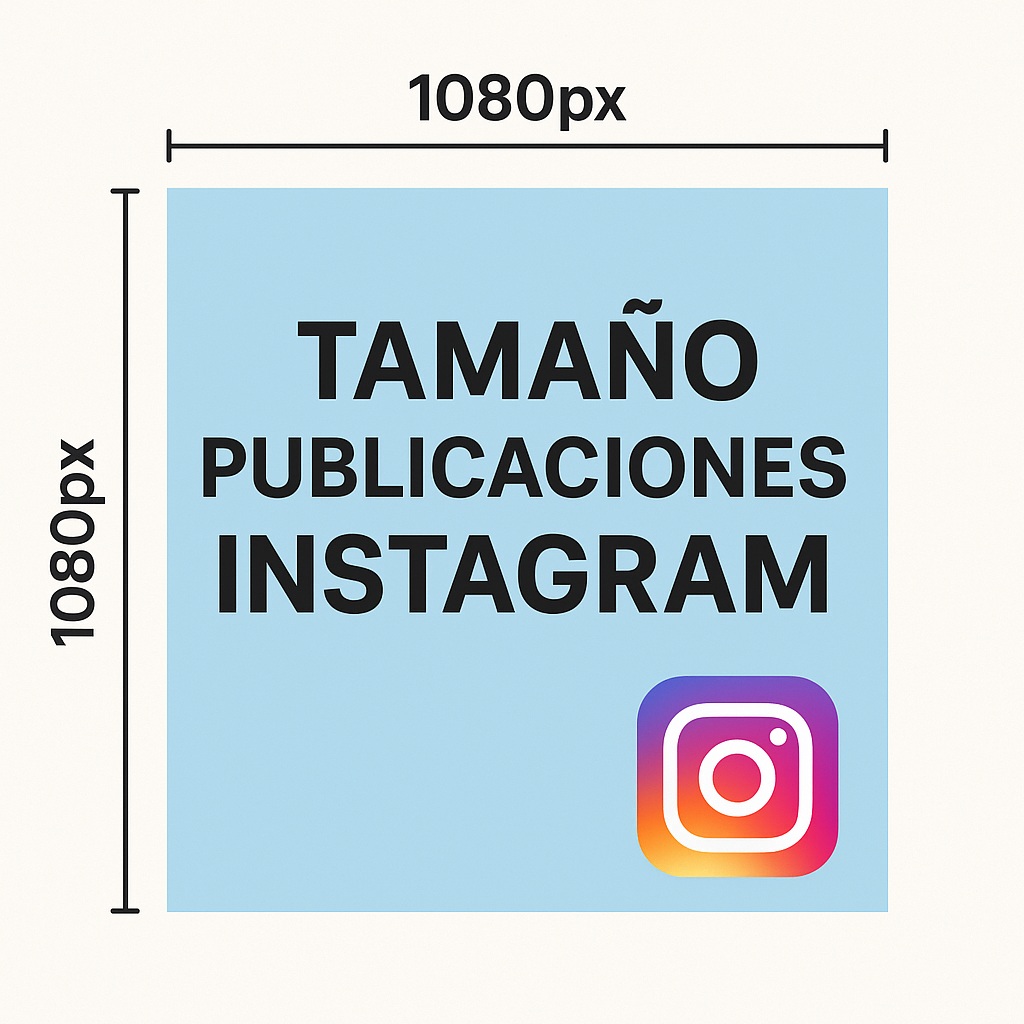
Feed posts still come in three flavors: square, portrait, and landscape. The Instagram post size you choose affects how much real estate you occupy on someone’s screen, and that directly impacts engagement. Square (1080 x 1080 px, 1:1) is the safe bet. It’s symmetric, it looks clean, and it works for almost anything from quotes to product shots.
But here’s the thing: portrait posts (1080 x 1350 px, 4:5) take up more vertical space in the feed. That extra height translates into more attention. I’ve tested this myself — portraits consistently get more stops than squares for fashion, portraits of people, or anything that benefits from a longer frame. It’s not magic, it’s just geometry.
Landscape (1080 x 608 px, 1.91:1) is the ugly duckling. It works for panoramas and landscapes, sure, but it shrinks your presence in the feed. Unless you have a really wide shot that demands it, skip landscape for feed posts.
Quick Reference Table for Feed Posts
- Square: 1080 x 1080 px (1:1) — versatile, safe, classic.
- Portrait: 1080 x 1350 px (4:5) — maximum feed real estate.
- Landscape: 1080 x 608 px (1.91:1) — niche use, lower visibility.
Instagram Stories Size: Full-Screen or Bust
Stories are still the king of ephemeral content, and the Instagram Stories size remains 1080 x 1920 pixels with a 9:16 aspect ratio. That fills the entire phone screen, which is exactly what you want for an immersive experience. But here’s the catch nobody tells you: Instagram’s interface eats up space at the top and bottom. The top has the progress bar and profile info; the bottom has the reply bar and camera icon.
So if you place text or a logo right at the edges, it’ll get covered. Leave a safety margin — roughly 250 pixels top and bottom — and keep the important stuff in the middle. I’ve seen too many businesses lose their call-to-action because they ignored this. Also, remember that Stories can be viewed on different screen sizes, so don’t assume everyone sees exactly what you see.
Instagram Reels Size: Same Dimensions, Different Rules
Reels also use 1080 x 1920 pixels (9:16), but the game changes because of the thumbnail and the UI overlays. The Instagram Reels size is identical to Stories, yet the safe zone is even tighter. The bottom of a Reel has the caption, audio info, and buttons. The right side has the like, comment, and share icons. If your main subject is centered, you’re fine. If it’s off to the side, it might get hidden.
Another thing: Reels can be cropped in the feed preview. That square thumbnail in your profile grid is pulled from the center of your video. So make sure the most important visual element is right in the middle. I’ve seen creators put their hook text at the top, only to have it disappear in the grid preview. Annoying, but easy to fix once you know.
Profile Picture: Small but Mighty
The Instagram profile picture size is 320 x 320 pixels (1:1). Instagram displays it as a circle, but you should upload a square image. Why? Because if you upload a rectangle, the app will crop it to a square first, then circle it, and you might lose parts of your logo or face. Keep the main subject dead center and use a high-contrast image so it’s recognizable even at tiny sizes.
Don’t overthink it. A clean headshot or a simple logo on a solid background works best. Busy images turn into a blurry blob at 320 pixels.
Instagram Ad Sizes: Don’t Waste Your Budget
If you’re paying for reach, the Instagram ad size matters even more. The same feed dimensions apply: square (1080 x 1080, 1:1), portrait (1080 x 1350, 4:5), and landscape (1080 x 608, 1.91:1). Square ads are the most flexible because they fit multiple placements. Portrait ads dominate the feed and often get better engagement. Landscape ads are cheaper but less visible — use them only if you have a wide shot that tells the story.
One pro tip: always preview your ad on both mobile and desktop before launching. What looks great on your phone might look cramped on a tablet or cut off in the Stories placement. Facebook’s Ads Manager lets you preview all placements, so use it.
Ad Size Cheat Sheet
- Square ad: 1080 x 1080 px (1:1) — versatile, fits everywhere.
- Portrait ad: 1080 x 1350 px (4:5) — high impact in feed.
- Landscape ad: 1080 x 608 px (1.91:1) — low visibility, niche use.
Why These Sizes Matter More Than You Think
Using the wrong dimensions isn’t just an aesthetic issue. Instagram’s algorithm favors content that looks native to the platform. A pixelated or awkwardly cropped image signals low quality, and users scroll past it. On the other hand, properly sized content gets more watch time, more likes, and more shares. It’s not about being perfect; it’s about respecting the medium.
Also, remember that Instagram compresses images. Upload the highest resolution possible within the recommended dimensions. Don’t upload a 4000-pixel-wide image and expect Instagram to keep it sharp — it won’t. Stick to the numbers above, and you’ll be fine.
Frequently Asked Questions (FAQ)
What is the recommended size for a square post on Instagram?
1080 x 1080 pixels with a 1:1 aspect ratio. It’s the most versatile format for feed posts.
How can I make sure my Stories look good on all devices?
Use 1080 x 1920 pixels (9:16) and leave a safety margin at the top and bottom. Keep key elements centered.
Why is it important to use the correct dimensions for Reels?
Because Reels fill the entire screen, and the UI overlays can cover your content. Correct dimensions ensure nothing important gets hidden.
What are the recommended dimensions for the profile picture?
320 x 320 pixels (1:1). Upload a square image to avoid awkward cropping when Instagram circles it.
What dimensions should I use for Instagram ads?
Square: 1080 x 1080 (1:1), Portrait: 1080 x 1350 (4:5), Landscape: 1080 x 608 (1.91:1). Choose based on placement and goal.
That’s the whole game. No fluff, no outdated advice. Bookmark this page, and the next time you upload, you won’t have to guess. Your content will look sharp, professional, and exactly how you intended.
