Post actualizado el día September 27, 2026 by DeiviSanzPlay
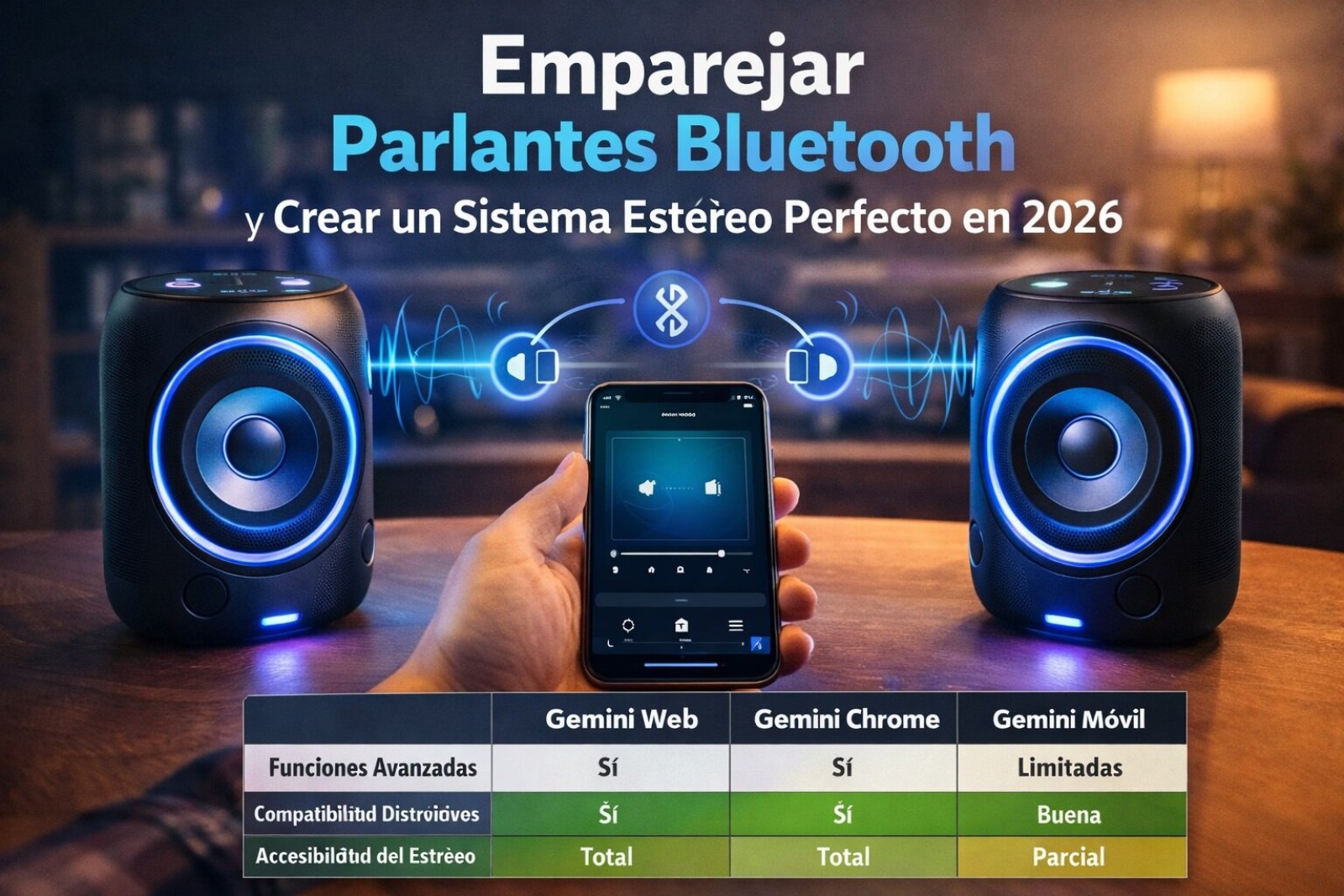
Bluetooth is one of those things that seems like things, you realize it’s an organized disaster. It’s not magic, it’s a once, it’s saved in the it doesn’t connect automatically, it’s not (always) a failure. Sometimes you have to go to the Bluetooth list on both devices. It’s airplane mode, which kills everything. It’s the “device detection” setting, which in Windows is set to “Default” by default and may not show your device; sometimes you have to set it to “Advanced.” It’s a physical switch on the side of a laptop that nobody remembers. Or the peripheral’s low battery, which makes it behave erratically.
People underestimate interference. It works on the 2.4 GHz band, the same radio dump where Wi-Fi, the garage door remote, and the microwave are. If you have the Wi-Fi router 30 cm from the complete:
- Restart Bluetooth on both devices (turn off/on).
- Forget the device on the phone/computer *and* when they work, but when they don’t, you have to skip them and do the manual process.
In the end, connecting via Bluetooth is a precision ritual that looks like chaos. It requires both parties to be in the same state of mind (pairing mode), in a decent environment (without brutal interference), and not to hold grudges from past connections (delete devices). Doing it right isn’t luck, it’s following the steps the protocol demands, even if the interface tries to hide them from you.