

Post actualizado el día September 27, 2026 by DeiviSanzPlay
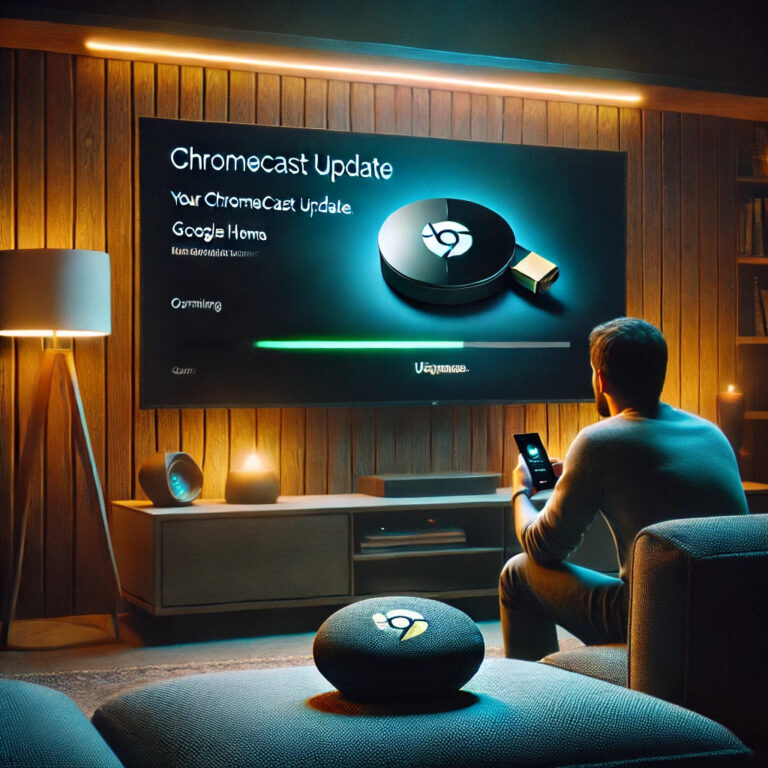
Imagine you’re about to watch your favorite series and, suddenly, your <a title="How to restart a Chromecast" href="https://www.chusmeando.com/informatica-y-tecnologia/como-reiniciar-un-chromecast/”>Chromecast starts giving you problems. It disconnects, apps take forever to load or, worse yet, it shows you that dreaded message about the firmware being outdated on the Chromecast device. I assure you that you’re not the only one this has happened to. But don’t worry, here I’ll tell you how to fix the problem and make sure your Chromecast always has the <a title="TikTok is not available, We’re sorry” href=”https://www.chusmeando.com/informatica-y-tecnologia/tiktok-no-esta-disponible-lo-sentimos/”>latest firmware available.
I recommend you check out this article, it’s interesting: How to hide a page in WordPress.
The first thing to do is check which version you have installed. To do that, open the Google Home app on your phone, select your Chromecast and look for the information about the firmware version of your Chromecast. If you see that it’s not up to date, it’s time to act.
Generally, the device should update automatically when it’s connected to the internet. But if this doesn’t happen, you can try a few tricks to force the update. The simplest one is to restart it: unplug it from the power, wait a few seconds and plug it back in. In many cases, this is enough for it to look for the latest update and install it without you having to do anything else.
If that doesn’t work, you can try a manual update. From a computer, there are specific commands that allow you to force the download of the latest version. If you’re one of those people who likes tinkering with technology, this option can be interesting, but keep in mind that doing it wrong could leave your Chromecast unusable.
However, there are those who prefer to go one step further and install a custom firmware on their Chromecast. This can give access to additional features and more control over the device, but it’s not something Google recommends. Plus, it could void the warranty and, if something goes wrong, you could end up with a paperweight instead of a working Chromecast.
Each Chromecast model has its own firmware version. For example, if you have a Chromecast 3, the update process is the same as on other models, but the improvements may be different. The Chromecast Ultra firmware usually focuses on optimizations for 4K streaming, while the Chromecast Audio firmware has stopped receiving official support, although it still works perfectly if you don’t reset it.
If you notice that your Chromecast is slowing down or starting to fail, it very likely needs an update. Keeping your Chromecast’s software updated not only improves performance, but also guarantees that it’s compatible with the latest versions of apps like YouTube, Netflix and Spotify. So don’t put it off: check your Chromecast firmware version and make sure everything is in order.



