

Post actualizado el día September 27, 2026 by DeiviSanzPlay
Sometimes, we are enjoying our favorite series on Netflix, and suddenly we realize that maybe we should change the Netflix plan. Maybe you’ve noticed that the content you want to watch is in a higher quality or that you need more screens to share with your friends. But how do you do it without complications? Let’s find out.
I recommend watching this article, it’s interesting: How to TRAVEL in HIGH SEASON paying UP TO 60% LESS.
How to modify your Netflix subscription? It’s one of the questions that many users ask themselves when trying to adjust their experience on the platform. Fortunately, changing your Netflix plan from your account is a relatively simple process. If you don’t know where to start, don’t worry, I’m going to guide you through every step.
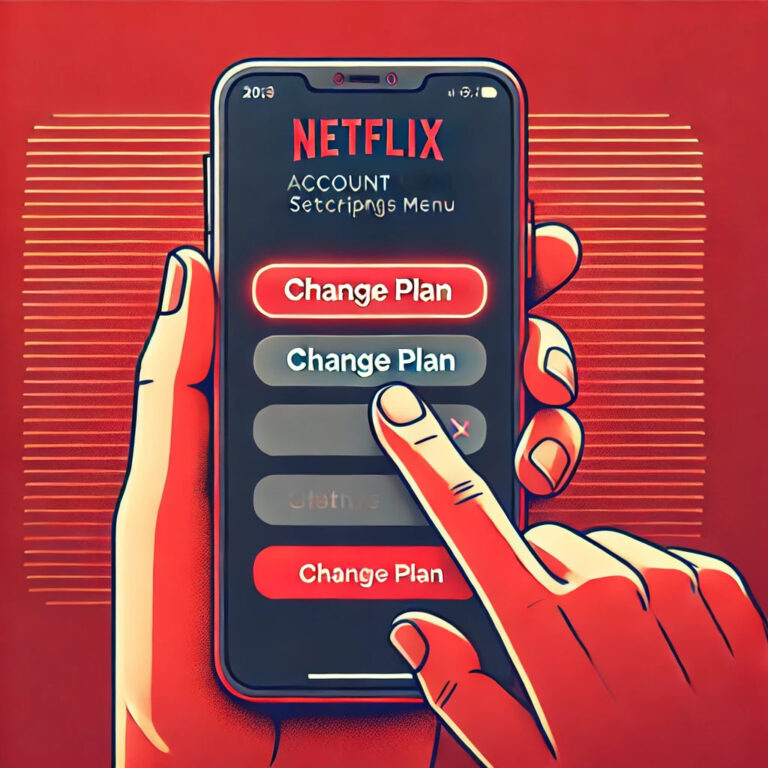
The first thing you should do is log in to your Netflix account. Once inside, you’ll see your profile in the top right corner. Click there and select “Account”. In this section, you’ll see a lot of settings. This is where you can switch between different Netflix plans. If you’re looking for higher image quality, like 4K, or even more simultaneous screens, this is the place to make your change.
If your goal is to update your Netflix membership, all you need to do is click on the option “Change plan”, right in the “Plan details” section. Here you’ll find several options: the Basic, Standard, or Premium plan. Depending on what you’re looking for, modifying the type of account on Netflix will be as easy as selecting the one that suits you best.
Steps to change your Netflix subscription: most of the time, the change is made instantly, and you can start enjoying your new plan as soon as you’ve confirmed it. Also, if you ever need a temporary modification, Netflix allows you to adjust your subscription at any time, without any kind of penalty.
Are you wondering if it’s possible to easily change the Netflix plan type? Of course it is, the Netflix interface is extremely intuitive, and you don’t need to be a tech expert to do it. Also, the system lets you see a clear description of each plan and its benefits, so that you can choose the one that best suits your needs.
Over the years, Netflix has adjusted its catalog and the prices of its plans, so it’s possible that at some point you’ll be surprised to find new <a href="https://www.chusmeando.com/informatica-y-tecnologia/descubre-el-huawei-watch-gt-5-pro-bateria-infinita-diseno-premium-y-salud-avanzada-el-smartwatch-mas-vendido-compara-con-huawei-watch-fit-4-y-band-10-oferta/” title=”The best Huawei options for 2025: watches, bands, and tablets you can’t miss”>plan options available on Netflix. In fact, Netflix sometimes releases new modalities, so it doesn’t hurt to check the page from time to time to see if there’s something better for you.
You may be wondering, “Can I change my Netflix plan at any time?” The answer is yes, you can do it at any time, without restrictions. If in a given month you decide that you want to change plans, simply log in to your account and select the corresponding option. And if at some point you decide to stop paying for a premium plan and want to go back to a more basic one, that’s also within your reach.
Remember that you can always check the official Netflix page for more details about the plans and modification options. In fact, it’s advisable to regularly check if the service has new benefits you can take advantage of. You can also access their website to find more information about Netflix subscription settings.
Now that you know how to change the Netflix rate, it’s time to get to work and adjust your account. Don’t forget that you can modify the plan at any time, according to your preferences or budget. And if you’re not sure which plan is the most suitable for you, you can always do a trial.



