Post actualizado el día September 28, 2026 by DeiviSanzPlay
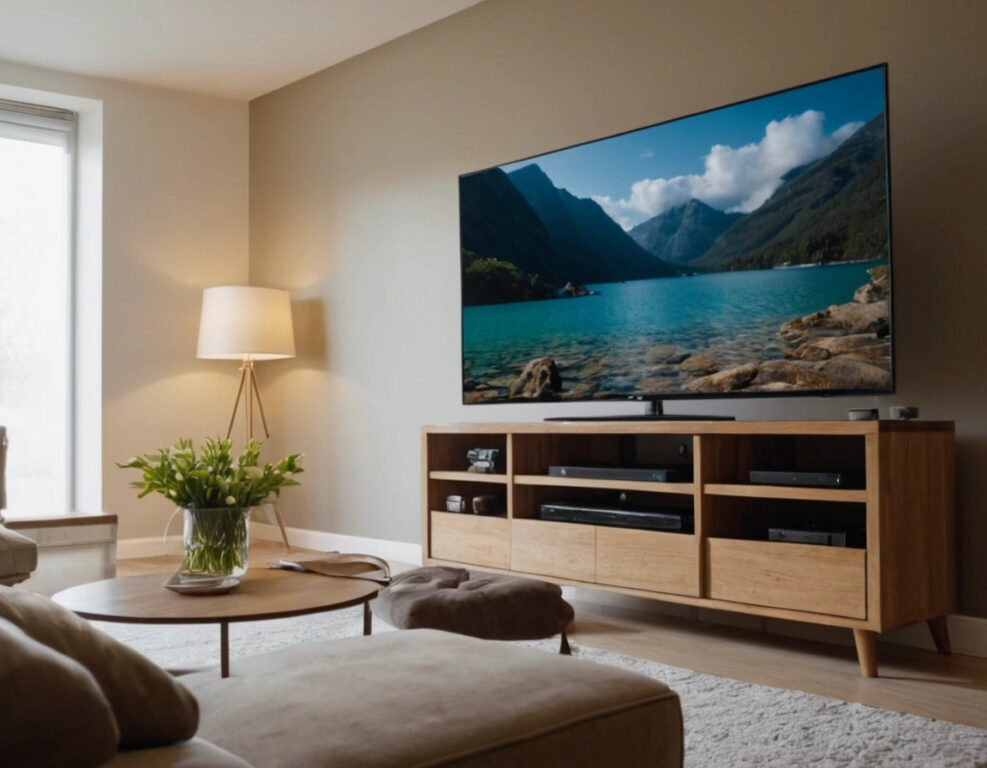
It’s inevitable, we’ve all been there. You’re watching your favorite series and suddenly, you notice those grease smudges on your smart TV screen. How do we remove them without damaging the screen? Don’t worry, cleaning a smart TV screen properly is simple, but you have to do it carefully to avoid damaging it. Today, I’ll share the best tips and techniques to keep your television spotless and working for longer.
I recommend you watch this article, it’s interesting: 🌐 The LIE of 5G NETWORKS: They Don’t Give You More Internet!.
The first thing you should know is that, even though your smart TV screen is resistant, it’s not indestructible. It’s very easy to make common mistakes when cleaning the television, such as using abrasive materials or chemical products that can damage it. That’s why the first thing you should keep in mind is which products to use for cleaning. Forget about common glass cleaners, since they contain substances that could damage the screen’s coating.
The best way to clean a smart TV screen is by using a soft, dry microfiber cloth. This type of fabric is excellent for trapping dust and smudges without leaving lint or scratches. Avoid using paper napkins or towels that can scratch the surface of the television. Also, never apply the cleaner directly onto the screen. Lightly dampen the microfiber cloth and, with gentle movements, clean the screen from top to bottom. This method ensures that you remove dust and smudges without straining the screen.
If you need to remove more stubborn stains, such as fingerprint marks or grease stains, you can use a very mild solution of distilled water and white vinegar. Mix one part vinegar with two parts water and apply it to the microfiber cloth (not directly onto the screen). Remember that the key is to clean without damaging. Don’t use aggressive products, such as alcohol, ammonia, or chlorine-based cleaners, since these can affect the screen’s protective layer.
It’s important that you also prolong the useful life of your smart TV by keeping it in a dust-free place. Use a protective cover if you don’t use your television for long periods or if you have pets that can leave hair on the screen. This will help prevent the accumulation of dirt and, consequently, reduce the need for frequent cleaning.
When you’re cleaning the screen, make sure the television is turned off and unplugged. This is not only for safety reasons, but also because it’s much easier to see dust and stains when the screen is dark. Also, be careful not to press too hard on the screen while cleaning it, since this can damage it. Excessive pressure can cause cleaning products to seep into the edges of the screen and affect its operation.
One of the questions many people ask is whether it’s possible to clean a smart TV with products for computer or mobile phone screens. The answer is yes, but only as long as they are specifically designed for LCD or LED screens. Not all products are designed for this type of screen, so it’s always better to make sure that what you use is suitable for your television.
Finally, if you ever wonder what not to use to clean a smart TV, here are some key tips. Don’t use alcohol-based cleaners, acetone, or aerosol products. Also avoid scouring pads or rough sponges, since these can easily scratch the screen. The golden rule is to always opt for a soft cloth and natural products that don’t contain aggressive chemicals.
In summary, cleaning a smart TV screen isn’t that complicated if you follow the right steps. Use the right products, avoid common mistakes, and make sure not to apply too much pressure on the screen. With these tips, your television will not only look clean, but will also stay in good condition for a long time. So now you know, give your smart TV the care it deserves!