

Post actualizado el día September 30, 2026 by DeiviSanzPlay
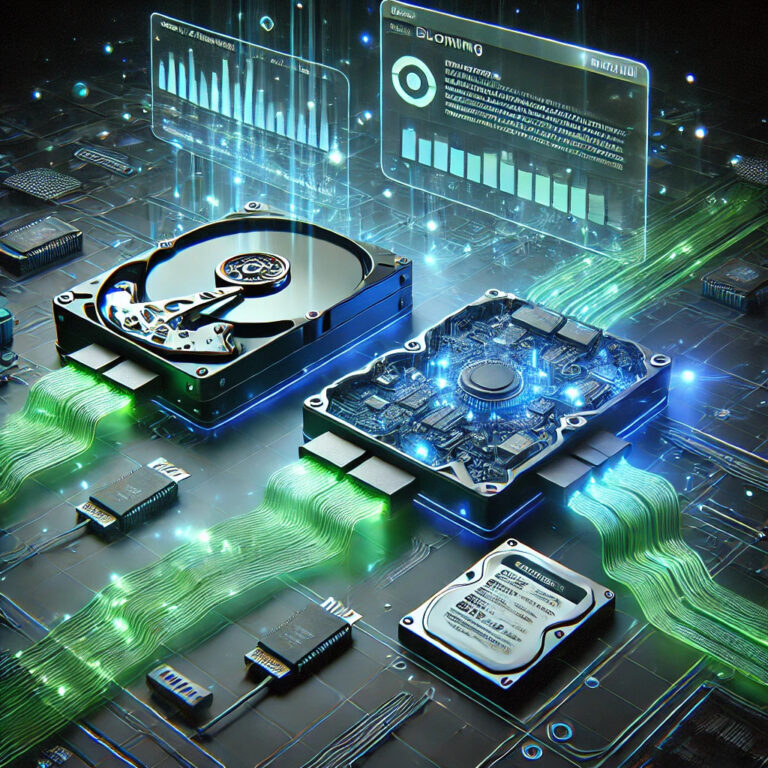
Cloning a hard drive isn’t just a digital magic trick, it’s the key to keeping your computer world intact in case of emergencies or to give your PC a boost by migrating to an SSD. And yes, I know, it sounds complicated, but here you are, ready to learn the dark art of hard drive cloning. Let’s dive into the mystery…
I recommend checking out this interesting article: Best Sofa Cover You Can Choose for Your Sofa.
If you’re looking for the best software to clone a hard drive, there are options that take the crown. Acronis True Image is a beast in this field, although you can also explore Macrium Reflect, which has a fairly powerful free version. For lovers of free software, Clonezilla is a robust alternative, and if you’re looking for something simple, EaseUS Todo Backup might be just what you need.
Now then, let’s be clear: <a href="https://www.chusmeando.com/informatica-y-tecnologia/aprende-a-liberar-space-en-windows-10-con-el-liberador-de-disco-eliminar-archivos-temporales-y-optimizar-tu-pc/” title=”How to clean hard drive Windows 10″>how to clone a hard drive and not die trying. First, you need to connect the new drive to your PC. If it’s an SSD, migrating the operating system to SSD is the best way to speed up your computer without losing anything. Then, you run the software of your choice and select the option for cloning. It’s important to differentiate between a sector-by-sector clone and a standard clone, where only the used data is copied, which can save time and space.
If you’re wondering what the best program to clone a hard drive to SSD is, the answer depends on your needs. AOMEI Backupper is a gem if you want reliable and free software. You can also use Macrium Reflect Free to clone HDD to SSD, since it allows you to do the transfer without problems. Now then, if you prefer to pay for something more complete, Acronis Disk Director offers advanced tools to customize the cloning.
If you’re looking for a program to clone a hard drive for free in Spanish, I would recommend AOMEI Backupper Standard, which has a simple interface and is in our language. Another option is Macrium Reflect Free in Spanish, which, although technically in English, you can find tutorials in Spanish to make the process easy to follow.
Now, if you need to download Acronis to clone a hard drive for free, I have bad news for you: the free version only offers a limited trial. However, you can try it on its official page before deciding if it’s worth paying for the license. As for how to make an exact copy of a hard drive, the key is to choose the right software and make sure the destination drive has enough space. Otherwise, you could get stuck in a labyrinth of errors.
A common question is whether you can clone a hard drive to a smaller one. The answer is yes, but only if the used space on the original drive is less than the capacity of the new drive. In this case, EaseUS Todo Backup has a specific function to shrink partitions and adjust them automatically.
If you’ve already cloned your drive and your PC won’t boot, you may need to access the BIOS settings and change the boot priority. Another solution is to use the Windows repair tool to make sure the new drive is correctly configured as the boot drive.
Conclusion: Cloning a hard drive doesn’t have to be an impenetrable mystery. With the right tools and a little patience, you can migrate your system to an SSD without losing data and enjoy superior performance. Now that you have the knowledge, the power is in your hands. Dare to take the step and speed up your PC like never before!



