Post actualizado el día September 27, 2026 by DeiviSanzPlay
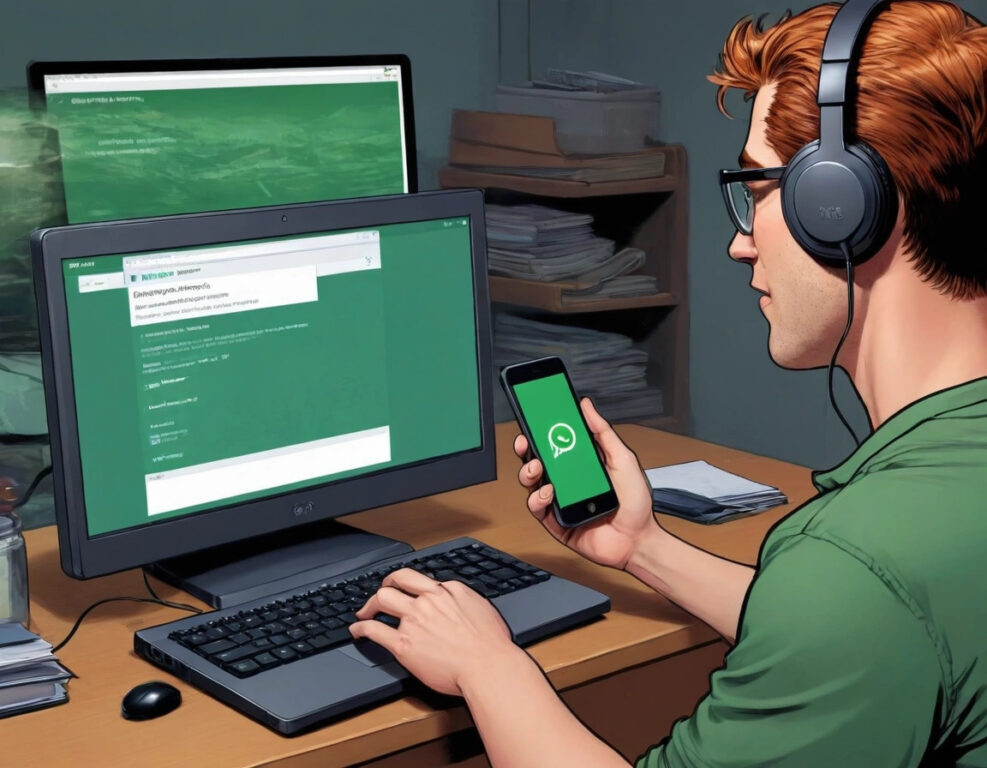
Did you know that you can have WhatsApp Business on your PC? Yes, but it’s not as easy as it seems. It’s kind of like a little secret that many don’t know… and if you don’t follow the steps correctly, you may never get it.
I recommend you check out this article, which is interesting: What it is and How to use the Google Calendar app.
First, you have to keep something very important in mind: WhatsApp Business is not exactly the same as the version for regular users. And when I say that it’s different, I mean it seriously. There are details that make it ideal if you’re thinking about giving your business a professional touch, and not just any detail, no, these are the ones that really make a difference.
So, the first thing is that you can’t just search on Google and download it from anywhere. The right way to get it is from the official WhatsApp site or through the Microsoft Store (if you use Windows) or from the WhatsApp Business page for the desktop version, why? Well, because on those pages you’ll find the safe and official version.
Now, if you want the fastest and most direct version… there’s something mysterious you can do. If you already have the app on your phone, you can use WhatsApp Web. You just scan the QR code with your phone and done! That way you can manage your business from your computer without much complication, but watch out, there’s always something more. Do you dare to investigate how to make everything work like a well-oiled machine?
I’ll just leave you one more hint: if you do everything right, you’ll be able to have access to all the tools that WhatsApp Business offers, such as automatic messages and labels, which will let you manage your business like a true professional.
So, do you dare to try it and discover how to get the most out of it?