Post actualizado el día September 27, 2026 by DeiviSanzPlay
Let’s see, buddy… if you made it here, it’s because:
I recommend you check out this article that is interesting: <a class="internal-recommendation" title="🧪 WHAT IS THE SCIENTIFIC METHOD?" href="https://www.chusmeando.com/preguntas-y-respuestas/que-es-el-metodo-cientifico-sus-7-pasos-caracteristicas-clave-y-ejemplos-practicos-incluye-pdf-descargable-sobre-su-importancia-en-la-investigacion/” target=”_self” rel=”noopener”>🧪 WHAT IS THE SCIENTIFIC METHOD?.
- The browser asked you to sign something digitally and you just stood there staring at the screen like 🫠
- The Tax Office system or some website from the government throws a PDF at you and says: “Sign it digitally!”
- And you’re thinking: “And what do I sign it with? A pen? Blood? What does that even take?”
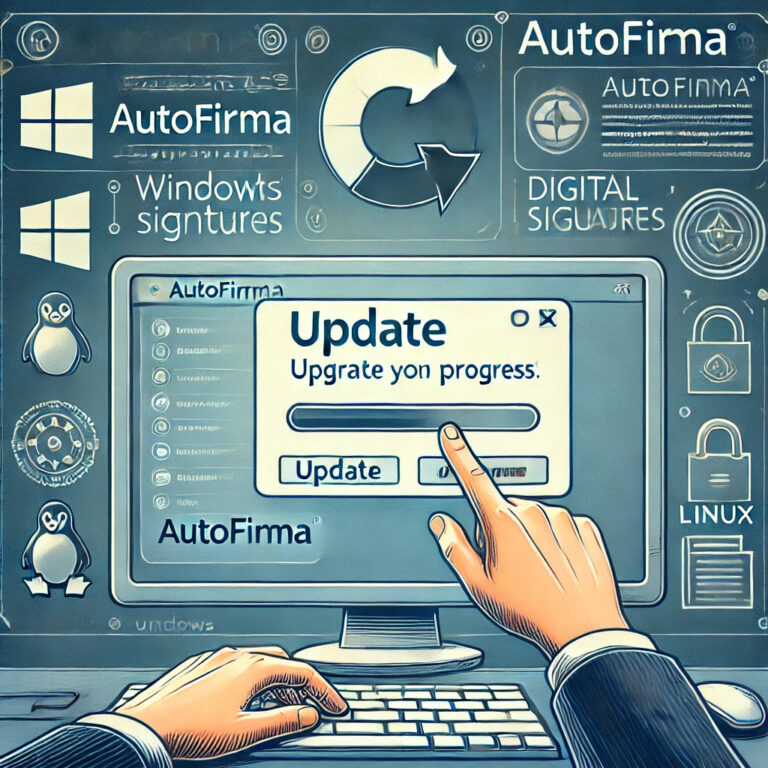
Well no, you sign it with <a title="Autofirma Update: discover how to update your digital signature" href="https://www.chusmeando.com/informatica-y-tecnologia/aprende-como-actualizar-autofirma-facilmente-mejorar-seguridad-y-compatibilidad-con-tu-certificado-digital-solucion-de-errores-y-download–official/”>Autofirma, that app that seems mysterious but is more useful than your neighbor’s WiFi 🔒📄
💡 What is Autofirma?
It’s an official program from the Government of Spain (yes, it’s legal and safe)
👉 It’s used to sign electronic documents from your computer without needing to print anything.
Ideal for Tax Office, Social Security, universities, city councils and all that stuff 🏛️
📥 How to download the latest version WITHOUT falling for 400 fake links?
Simple, bro:
- Go to the official website 👉 firmaelectronica.gob.es
- Look for the part that says Autofirma
- Choose your operating system:
- Windows
- macOS
- Linux
- Download the corresponding file
- Run it (yes, as administrator, just in case it gets fussy)
⚠️ WATCH OUT for this:
- Don’t download it from random pages like “autofirma-easy-top.es” that sneak viruses in disguised
- In some cases you’ll have to restart the browser or configure Java (yes, the dreaded Java… but chill)
🔧 After installing it:
🖱️ Double click on your document → Autofirma opens → You select your certificate → And done, document signed like a boss! 🖋️✅
🎤 Have you already installed it or are you still sending unsigned documents like we’re in 1999?
Comment and I’ll give you tips so you don’t get tangled up with Java or DNIe certificates 😏👇
#Autofirma #DigitalSignature #OnlineProcedures #DigitalSpain #Autofirma2025 #DigitalStreet