

Post actualizado el día September 28, 2026 by DeiviSanzPlay
📱 whatsapp/restaurar-backup-de-security-de-whatsapp-antigua/” title=”The Strategy to Never Start from Scratch on WhatsApp Again”>Hey everyone! I’m leaving you this tip in case you didn’t know: make a WhatsApp backup before it’s too late 😅
I recommend you check out this article, it’s interesting: panel-de-windows-en-vba-de-excel/” title=”How to fix misconfiguration of the window pane in Excel VBA” class=”internal-recommendation” target=”_self” rel=”noopener”>How to fix misconfiguration of the window pane in Excel VBA.
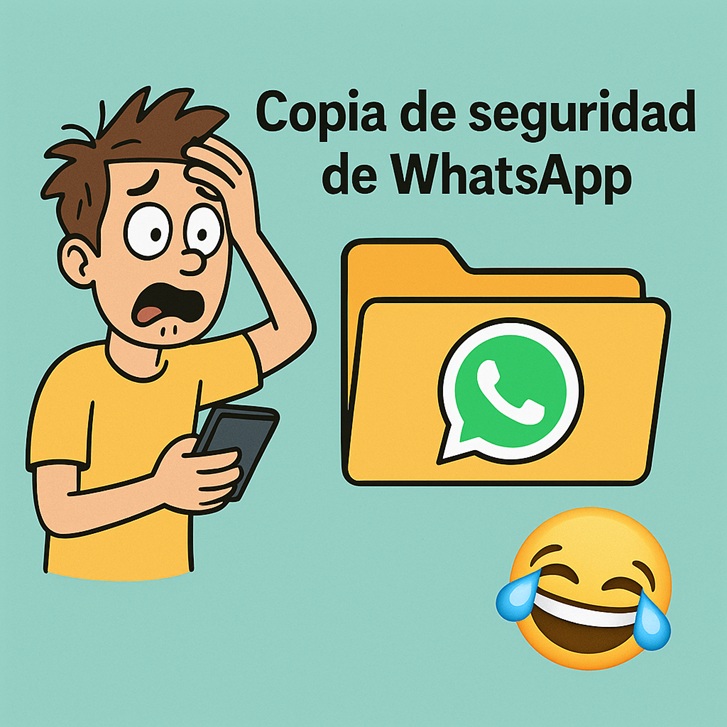
Yesterday a friend lost EVERYTHING because his phone broke and he had no backup. Literally… chats, photos, stickers, EVERYTHING went down the drain 😬 So here’s how to do it in case someone doesn’t know or has kind of forgotten 👇
1️⃣ You go to WhatsApp
2️⃣ You tap the three dots at the top right (on Android) or Settings if you use an iPhone
3️⃣ You go into Chats > Backup
4️⃣ There you can make a manual backup and also enable automatic backup (I have mine set to daily just in case 😅)
📂 If you have Android it’s saved to Google Drive, and if you use an iPhone it’s saved to iCloud. Check that you have space because if not… nothing gets saved 🫠
📹 It also gives you the option to include videos. If you send a lot, that takes up space… but hey, everyone decides for themselves 🤷♀️
And something important 👉 if you change phones and use the same number, when you install new WhatsApp it will ask you if you want to restore the backup. You say yes, and done ✨
⚠️ But if you change your number or you don’t have the backup enabled… bye chats 😢
So anyway, I just wanted to remind you to make the backup. It costs nothing and it can save important conversations (or the memes we love so much 😂).
Share this with someone who’s always saying “I’ll do it tomorrow” 😜



