

Post actualizado el día octubre 17, 2026 by DeiviSanzPlay
Let’s cut the nonsense right away: finding out a WiFi password you already had access to is easy and legit. Trying to crack your neighbor’s network is not. That line matters, and most guides blur it on purpose to get clicks. I’m not going to do that.
If you’re here, chances are you forgot the key to your own router, you’re at a friend’s place and they don’t remember it, or you want to reconnect an old device. That’s the how to find out a WiFi password scenario worth solving. Everything else is a different conversation.
First move: the password is probably already saved on your phone
Nobody thinks about this, but if you ever connected to that network, the key is sitting inside your device. On Android 10 or newer, go to Settings > Network & Internet > Internet > Saved networks, tap the network, and you’ll see a share password via QR code option. Scan it with another phone and the password shows up in plain text.
On iPhone it’s more locked down. iOS won’t reveal the password directly, but if you have a second Apple device signed into the same Apple ID and both are close together, the system will auto-fill the key when you try to join. That’s Apple’s version of the trick, and it works better than most people realize.
One catch: this only works for networks you’ve already joined. If you never connected, there’s nothing saved and no QR code to show.
Windows and Mac keep their own stash of WiFi passwords
Your laptop is basically a vault of old connections. On Windows 10 or 11, open Control Panel > Network and Sharing Center > Change adapter settings, right-click your WiFi adapter, go to Status > Wireless Properties > Security tab, and tick Show characters. The network security key appears instantly.
If you prefer the command line (and honestly, it’s faster), open CMD as admin and type netsh wlan show profile name=»NETWORK NAME» key=clear. Look for the Key Content line. That’s your password. No third-party app needed.
On Mac, open Keychain Access, search for the WiFi network name, double-click it, check «Show password,» and enter your Mac login. Done. Apple stores every network you’ve ever joined unless you wiped the keychain.
The router label trick still saves people every single day
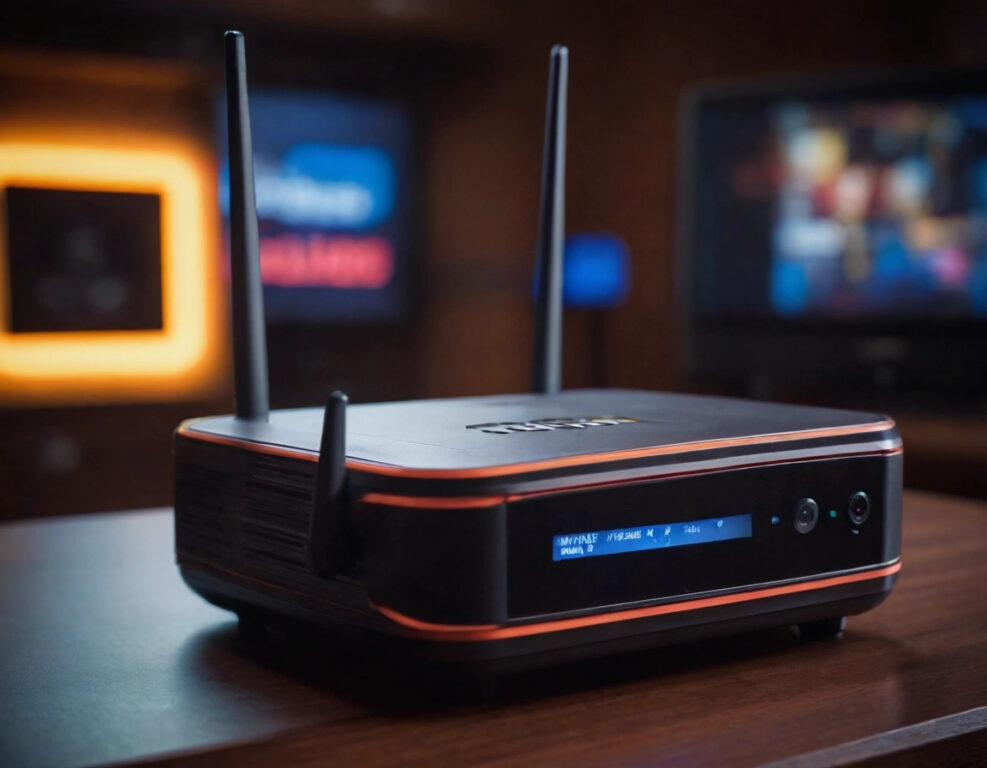
Walk up to the router. Flip it over. Nine times out of ten there’s a sticker with the SSID and the default password printed right there. If nobody in the house changed it, you’re in within seconds.
And here’s a detail most people miss: the default password is often not the same as the WiFi key. Many routers ship with an admin password for the web panel (usually admin/admin or admin/password) and a separate WiFi key. Both are usually on the same sticker, but they’re different credentials.
If the sticker is gone or the password was changed, log into the router admin panel at 192.168.0.1 or 192.168.1.1 with the admin credentials, go to the wireless section, and read the current key. You’ll need physical access or a connected device, which is fine because this is your network.
Public WiFi passwords: WiFi Map and the shared-secret economy
For cafés, airports, and hotels, apps like WiFi Map and Instabridge crowd-source passwords from other users. It’s a gray but widely accepted system, and it works surprisingly well in big cities.
That said, don’t trust these apps with your own credentials unless you’re okay feeding them into a shared database. Read the permissions before installing anything. A free app that asks for your contacts, location, and microphone to «find WiFi» is not a WiFi tool, it’s a data harvester.
The part nobody wants to hear: cracking is illegal
Tools like Aircrack-ng, Wifite, or hashcat exist. They work. They’re also the fastest way to end up on the wrong side of computer fraud laws in the US, UK, Spain, and basically every country with a modern legal code. Using them on a network you don’t own or administer is a crime, not a «life hack.»
If a guide teaches you to break into someone else’s WiFi, it’s not a tech guide. It’s a legal liability with a nice thumbnail.
WPA3, which is now standard on most routers sold since 2022, makes brute-force attacks practically useless anyway. You’re not outsmarting AES-128 with a Python script on a laptop.
What to do if you truly need access and don’t have it
Ask the owner. That’s it. If it’s a business, ask the staff. If it’s a hotel, call the front desk. If it’s your own router and you’re locked out, do a factory reset (hold the reset button for 10 seconds) and reconfigure it from scratch with a new password.
The WiFi password recovery route only makes sense when the network is yours or you had legitimate access before. Anything beyond that is a different game with different rules, and pretending otherwise is how people get fined.
Quick checklist before you touch anything
- Did you ever connect to this network? Check saved networks first.
- Do you have a laptop that was on this WiFi? Pull the key from Windows or macOS.
- Can you physically reach the router? Check the label and the admin panel.
- Is it a public hotspot? Try WiFi Map, but never feed it your own passwords.
- Is it someone else’s private network? Stop. Ask. Don’t crack.
Most people who search how to find out a WiFi password just forgot their own key. The fix usually takes two minutes on the phone already in their hand. The rest, honestly, is noise.
