Post actualizado el día September 27, 2026 by DeiviSanzPlay
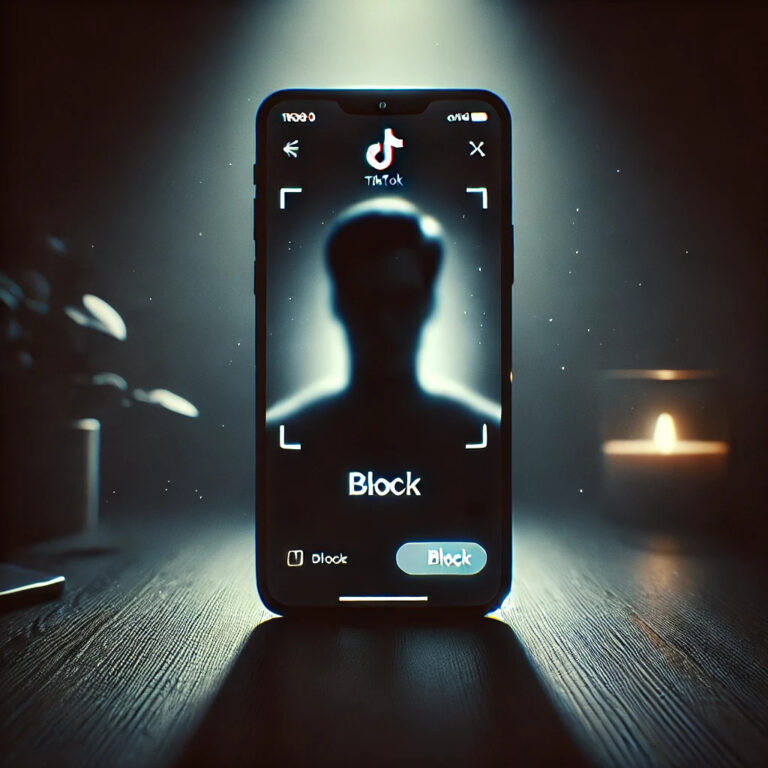
Do you want to know how to block someone on TikTok? Well, let me tell you a secret. It’s not just about privacy or control of your account, it goes much deeper. It’s the power to decide who enters and who doesn’t into your personal space within this social network that’s so addictive. Ready to find out how to do it? I’ll tell you everything, step by step.
I recommend you check out this interesting article: How to know if my Chromecast is updating.
- Open the TikTok app on your mobile device, the one that has kept you glued to the screen for hours, like a spell. Then, search for that person’s profile in the search bar or, if they’re already in your followers list, simply go to their profile.
- Click on the three dots (yes, those ones that always seem so harmless, but that open up a world of options). By doing this, you’ll access a menu that, like a control wizard, will give you the power to block that person. This is where the magic begins.
- The option you’re looking for is “Block”, but wait, before clicking on that option, you should know something important. When you block someone, that person will no longer be able to see your videos or send you direct messages. It’s as if you disappeared from their digital life! And the best part is that TikTok doesn’t notify them about your decision, which makes it a discreet move.
- If you ever decide to unblock that person, the whole process is just as simple. You just have to follow the same steps and select the unblock option. But sometimes, the power to control who follows you is something not many have the courage to exercise.
Have you realized how powerful it is to block someone on TikTok? It’s not just about removing annoying users or avoiding uncomfortable messages, it’s a tool to protect your personal space on a platform that can be so invasive.
Now, if what you’re looking for is to improve your account’s privacy, TikTok also offers you other options. You can limit who can comment on your videos, or even make your account private, to have more control over who interacts with you. But don’t forget that blocking is that quick and effective option when you want to take action immediately.
So, the next time someone bothers you on TikTok, remember that you have total control. A couple of clicks and that person will no longer be part of your digital world. Pure strategy, right?