Post actualizado el día September 27, 2026 by DeiviSanzPlay
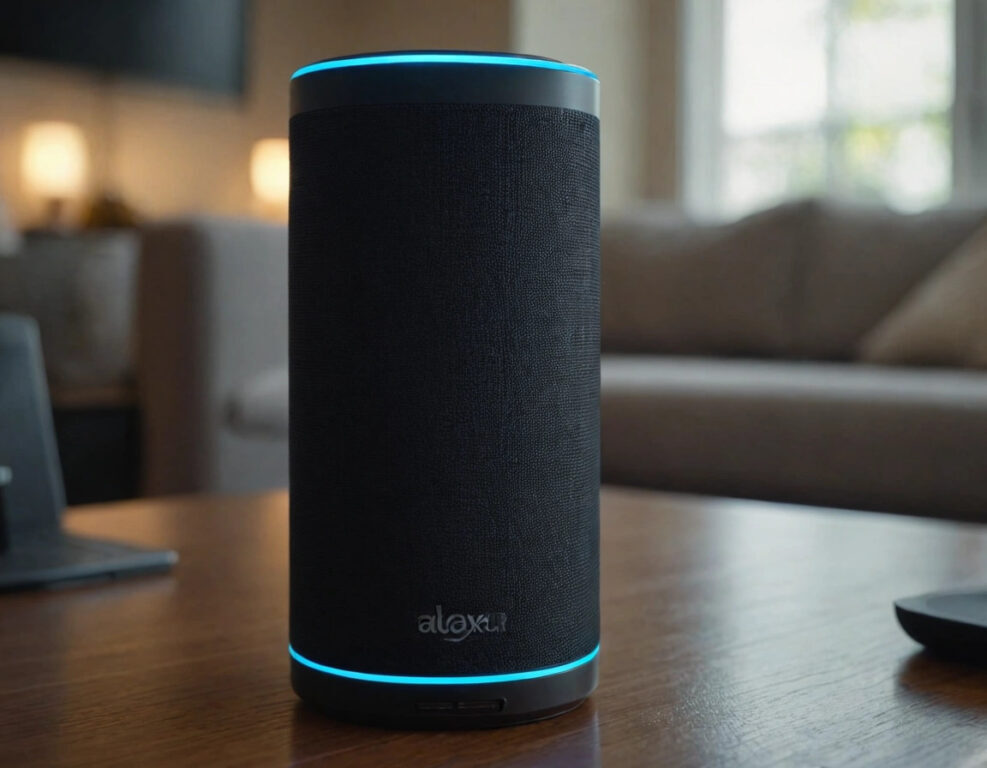
Imagine we’re sitting on the couch, drinking a coffee, and suddenly, you tell me you need to change the Wi-Fi on your Alexa. I look at you with that smile conspiratorial, knowing what’s coming. Are you ready to make Alexa connect to your new network? Well, keep reading, because I’m going to tell you a secret that will have you changing your connection like a pro. 🚀
I recommend checking out this interesting article: What is photosynthesis?.
First, I have to tell you that updating Alexa’s Wi-Fi settings isn’t as complicated as it seems. If your network changed or if you moved to another place, Alexa needs to know which Wi-Fi to connect to. But, like everything in life, there’s a trick you should know, because it’s not just about opening the app and that’s it. No, no, it’s a bit more intriguing than that!
To start, open the Alexa app on your phone (yes, that app you surely have on your home screen) and go to Settings. Here comes the good part: look for Echo Devices and select your Echo Dot, Echo Show, or whichever one you have. Then, tap the button that says Change Wi-Fi, but don’t get too excited yet, because now you have to enter setup mode on your Alexa device. Here’s the catch: Alexa will automatically enter pairing mode, but if it doesn’t, just press the action button until the light turns orange.
Wait, because the best part is coming now. When Alexa is ready to connect, your phone will ask you to choose the new Wi-Fi network it should connect to. This is where you need to have your Wi-Fi password ready, because if not… goodbye Alexa! 🎤
Oh, and don’t forget that during this process, your Alexa device may temporarily disconnect. But don’t worry, it’s all part of the plan. As soon as Alexa’s Wi-Fi network is set up, your digital assistant will be ready to receive all the commands you give it. But did you know you can do more? If you ever wonder how to change the Wi-Fi without losing Alexa’s settings, I assure you it can be done. The whole process is simpler than it seems, but it’s crucial that you follow these steps to the letter.
And if you ever have trouble with connecting Alexa to Wi-Fi or if you notice it’s not responding like before, remember that the trick is to update Alexa’s Wi-Fi settings every time you change networks. It’s not magic, it’s technology. 🔌
Ready to put this little trick into practice? With this, your Alexa will have access to all the Wi-Fi networks you want. Change your network, change your life, don’t you think?